spikeinterface
0.13.0

Contents:

  • Overview
  • Installation
  • Compatible Technology
  • Installing Spike Sorters
  • Getting started with SpikeInterface
  • Tutorials
    • Extractors tutorials
    • Toolkit tutorials
    • Sorters tutorials
    • Comparison tutorials
    • Widgets tutorials
      • RecordingExtractor Widgets Gallery
        • plot_timeseries()
        • plot_electrode_geometry()
        • plot_spectrum()
        • plot_spectrogram()
      • SortingExtractor Widgets Gallery
      • Recording+Sorting Widgets Gallery
      • Comparison Widgets Gallery
  • Spike sorting comparison methods
  • Contribute
  • API
  • Release notes
  • Contact Us
spikeinterface
  • Docs »
  • Tutorials »
  • RecordingExtractor Widgets Gallery
  • Edit on GitHub

Note

Click here to download the full example code

RecordingExtractor Widgets Gallery

Here is a gallery of all the available widgets using RecordingExtractor objects.

import spikeinterface.extractors as se
import spikeinterface.widgets as sw

First, let’s create a toy example with the extractors module:

recording, sorting = se.example_datasets.toy_example(duration=10, num_channels=4, seed=0)

plot_timeseries()

w_ts = sw.plot_timeseries(recording)

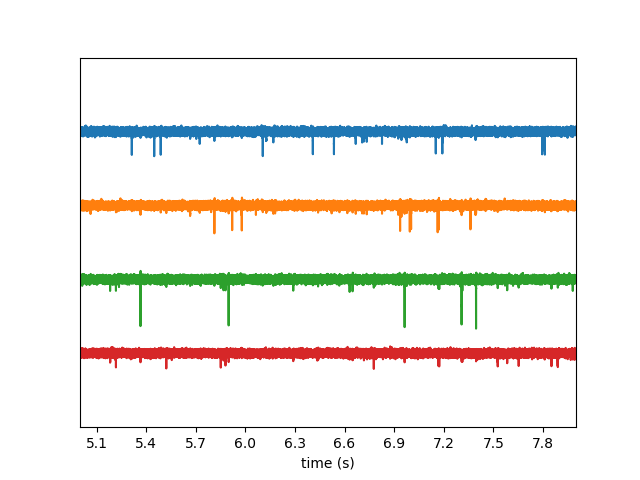
w_ts1 = sw.plot_timeseries(recording, trange=[5, 8])

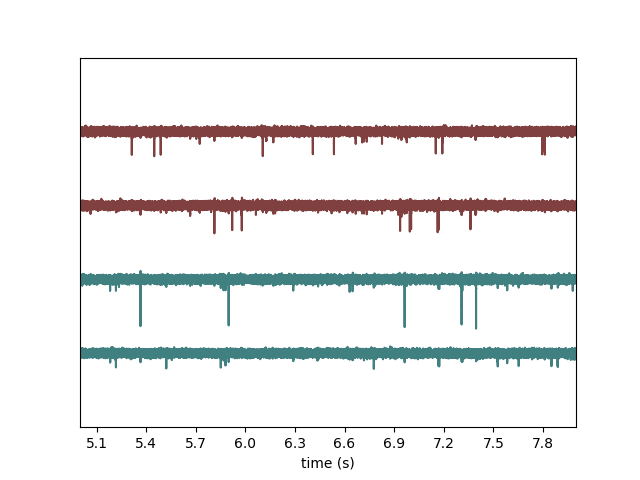
recording.set_channel_groups(channel_ids=recording.get_channel_ids(), groups=[0, 0, 1, 1])
w_ts2 = sw.plot_timeseries(recording, trange=[5, 8], color_groups=True)
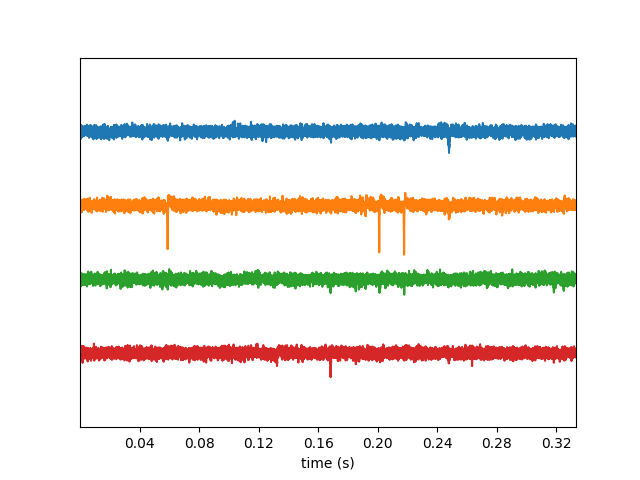
  • plot 1 rec gallery
  • plot 1 rec gallery
  • plot 1 rec gallery

Note: each function returns a widget object, which allows to access the figure and axis.

w_ts.figure.suptitle("Recording by group")
w_ts.ax.set_ylabel("Channel_ids")

Out:

Text(74.44444444444444, 0.5, 'Channel_ids')

plot_electrode_geometry()

w_el = sw.plot_electrode_geometry(recording)
plot 1 rec gallery

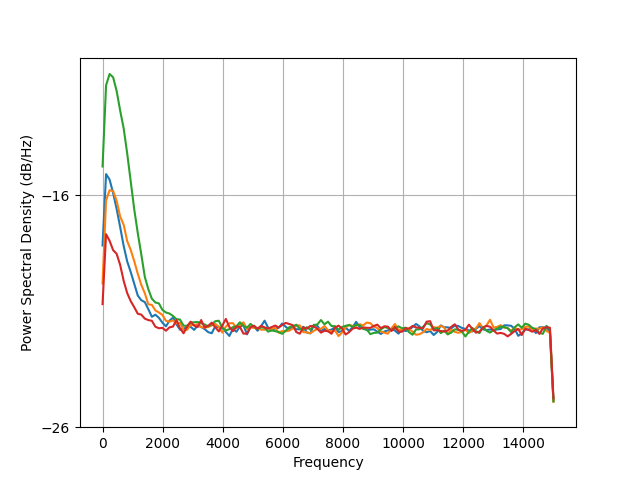
plot_spectrum()

w_sp = sw.plot_spectrum(recording)
plot 1 rec gallery

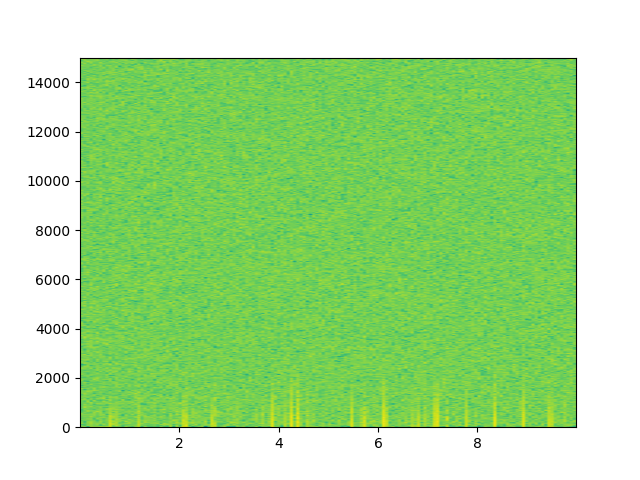
plot_spectrogram()

w_spg = sw.plot_spectrogram(recording, channel=0, nfft=2048)
plot 1 rec gallery

Total running time of the script: ( 0 minutes 0.943 seconds)

Download Python source code: plot_1_rec_gallery.py
Download Jupyter notebook: plot_1_rec_gallery.ipynb

Gallery generated by Sphinx-Gallery

Next Previous

© Copyright 2019, Alessio Paolo Buccino, Cole Hurwitz, Jeremy Magland, Matthias Hennig, Samuel Garcia Revision d153d12c.

Built with Sphinx using a theme provided by Read the Docs.