Note
Click here to download the full example code
RecordingExtractor Widgets Gallery
Here is a gallery of all the available widgets using RecordingExtractor objects.
import matplotlib.pyplot as plt

import spikeinterface.extractors as se
import spikeinterface.widgets as sw
First, let’s create a toy example with the extractors module:
recording, sorting = se.toy_example(duration=10, num_channels=4, seed=0, num_segments=1)
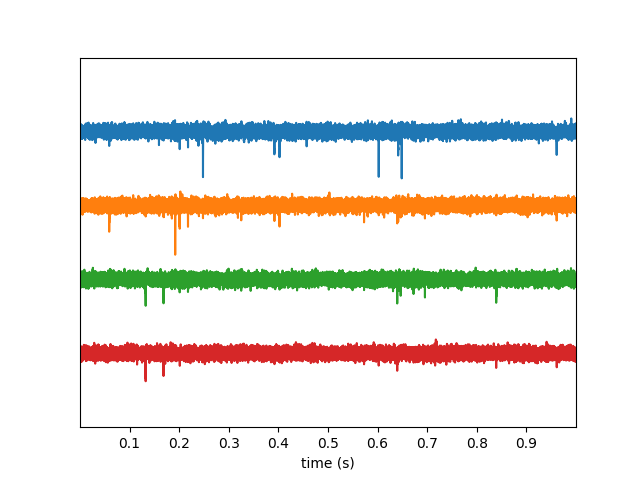
plot_timeseries()
w_ts = sw.plot_timeseries(recording)
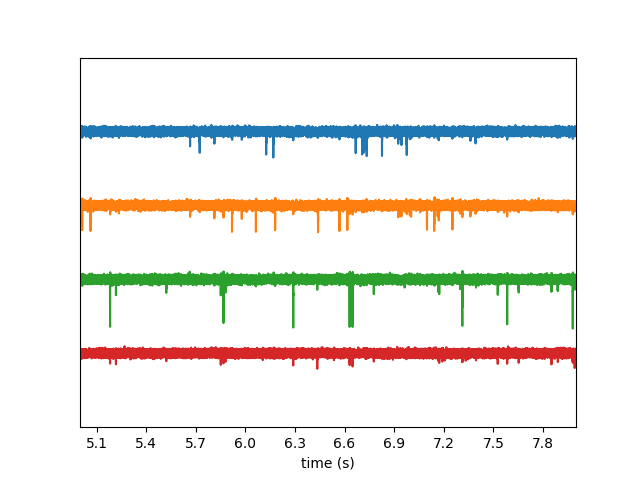
We can select time range
w_ts1 = sw.plot_timeseries(recording, time_range=(5, 8))
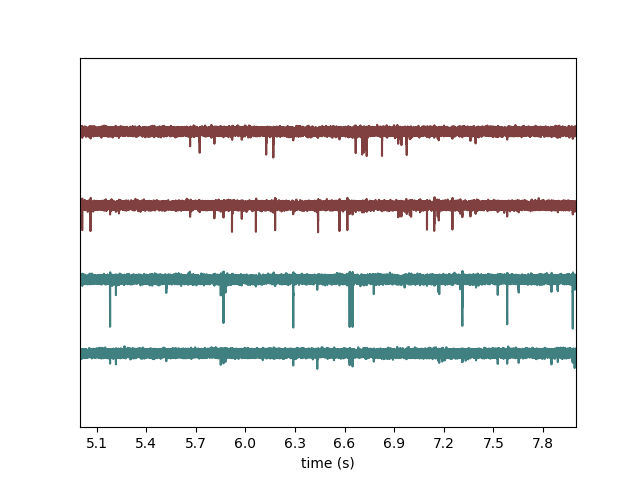
We can color with groups
recording2 = recording.clone()
recording2.set_channel_groups(channel_ids=recording.get_channel_ids(), groups=[0, 0, 1, 1])
w_ts2 = sw.plot_timeseries(recording2, time_range=(5, 8), color_groups=True)
Note: each function returns a widget object, which allows to access the figure and axis.
w_ts.figure.suptitle("Recording by group")
w_ts.ax.set_ylabel("Channel_ids")
Out:
Text(74.44444444444444, 0.5, 'Channel_ids')
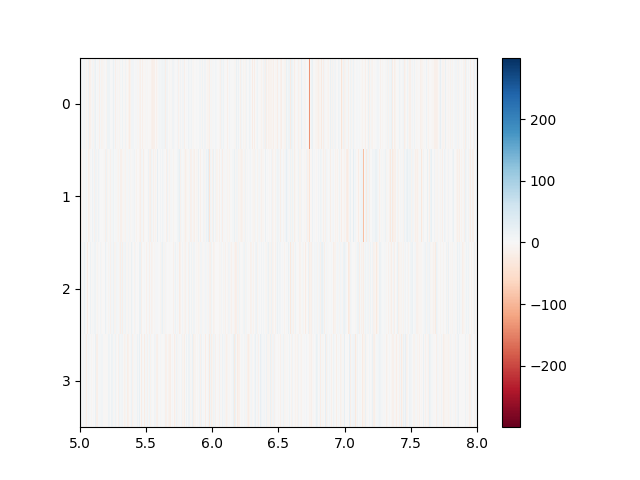
We can also use the ‘map’ mode useful for high channel count
w_ts = sw.plot_timeseries(recording, mode='map', time_range=(5, 8),
        show_channel_ids=True, order_channel_by_depth=True)
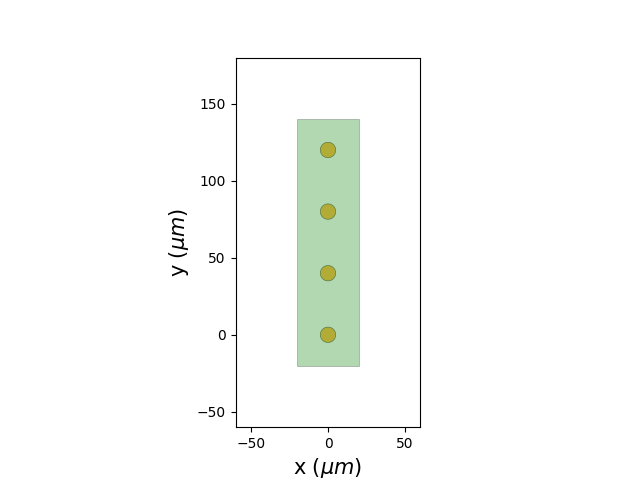
plot_electrode_geometry()
w_el = sw.plot_probe_map(recording)
plot_spectrum()
#TODO : @alessio this is for you
# w_sp = sw.plot_spectrum(recording)
plot_spectrogram()
#TODO : @alessio this is for you
#w_spg = sw.plot_spectrogram(recording, channel=0, nfft=2048)

plt.show()
Total running time of the script: ( 0 minutes 0.793 seconds)